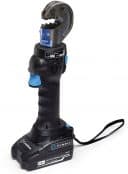
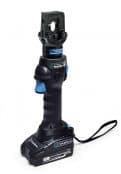
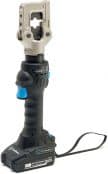
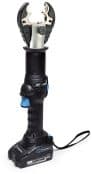
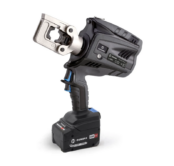
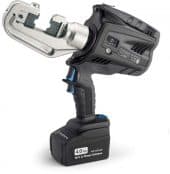
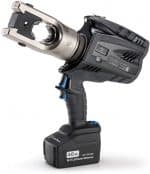
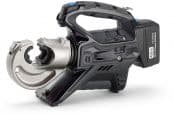
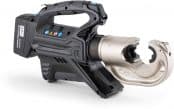
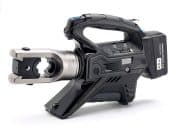
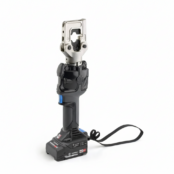
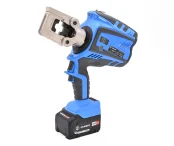
Cembre B1350-CE Battery Crimping Tool (up to 400sqmm cables)
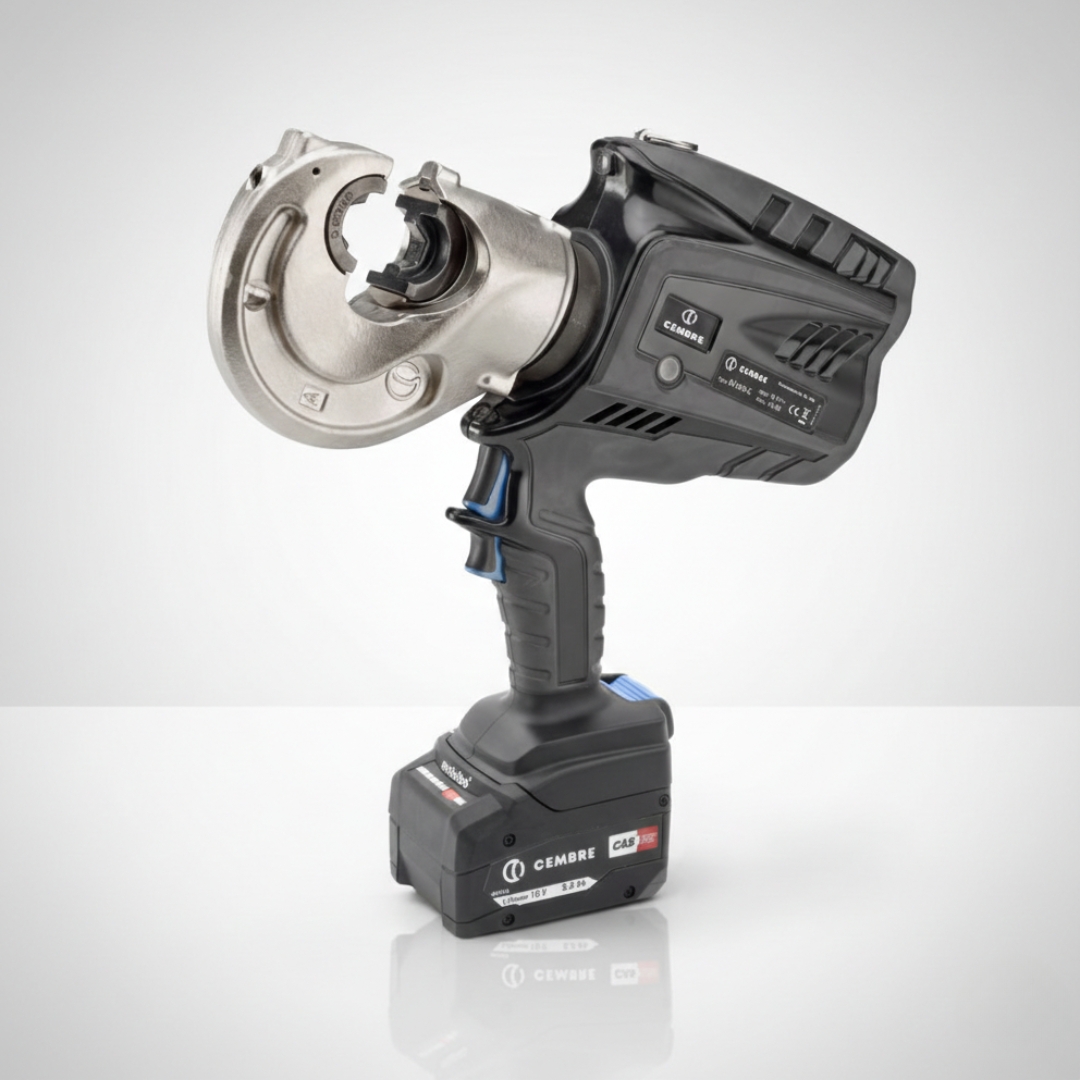
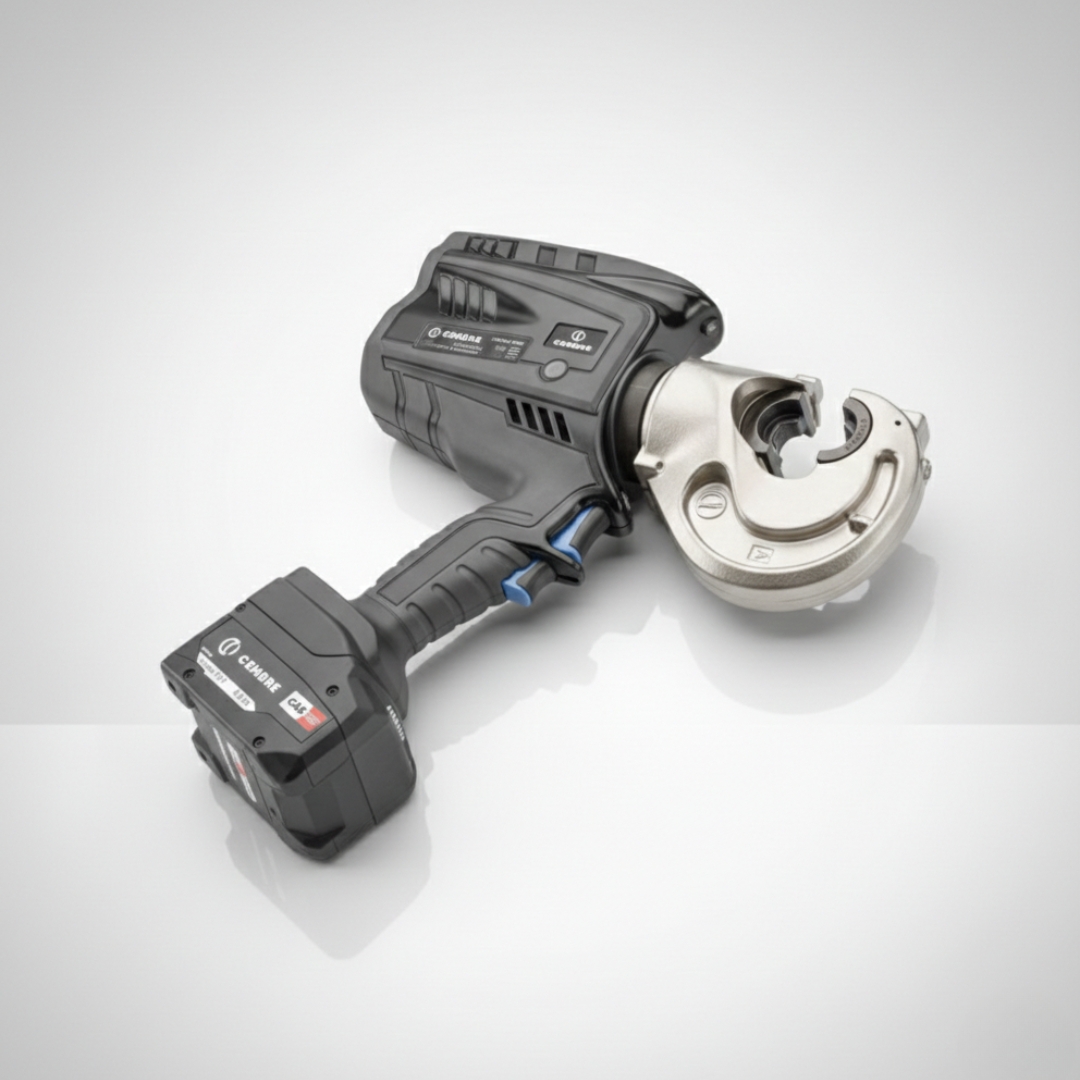
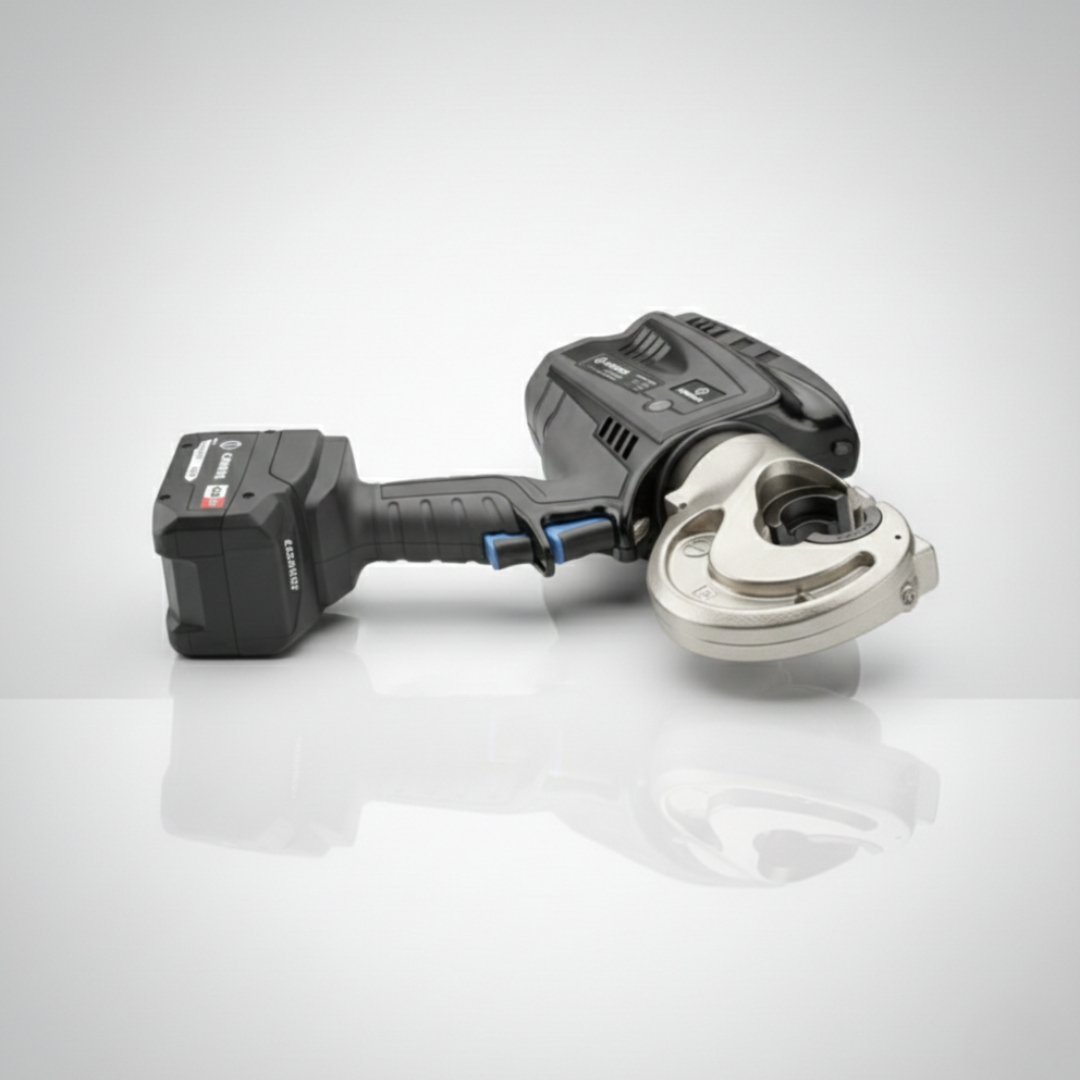
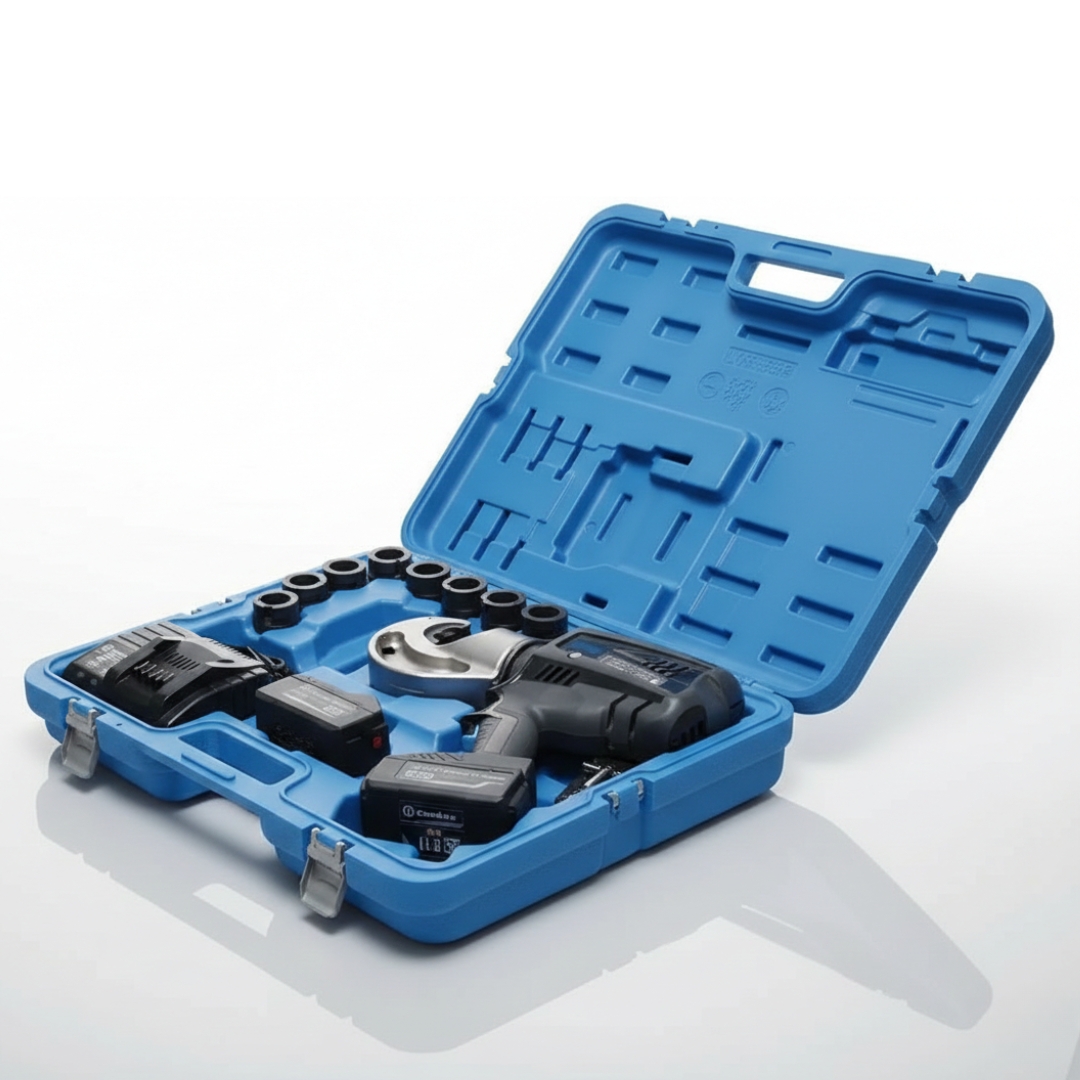
Cembre B1350-CE Battery Powered Hydraulic Crimping Tool 18V
Product Code: Cembre B1350-CE
LV-HV Cable Crimping Tools | Distributed from Stock | Approved Cembre Supplier | UK & Export Sales

The Cembre B1350-CE is an 18V cordless hydraulic crimping tool for fast, controlled crimping of electrical connectors and lugs across LV–HV work. As a high-performance battery crimping tool, it supports connectors up to 400sqmm using Cembre’s common 130kN die sets—ideal for site and workshop use where speed, repeatability and one-handed handling matter. For matched accessories, see Cable Crimps, Lugs & Connectors.
 GO TO DIE SET OPTIONS
bATTERY cRIMPING tOOL Product Overview
Cembre B1350-CE battery crimping tool is an 18V cordless hydraulic crimping tool which can be operated with one hand and is balanced for greater control.
The B1350-CE tool has a greater crimping speed and crimping force as a result from a revitalised hydraulic system with double speed action: a rapid approach of the dies to the connector then a slower more powerful speed for crimping.
The Cembre B1350-CE is lightweight and robust due a bi-component plastic moulded body which is highly resistance to damage.
Born of the renowned B135-C type crimping tool, first into the market is the 132kN B1350-C, suitable for a wide range of connectors up to 400 sqmm using die sets common to the Cembre 130kN tooling range.
The Cembre B1350-CE battery crimping tool is fitted with a maximum pressure sensor and an Li-Ion 18.0V 4.0Ah high power battery and produces minimal noise and vibration.
The new Cembre 18 V 4 Ah Li-Ion batteries provide a higher capacity compared to the 14.4 V 3 Ah version, while the improved hydraulic system enhances cable crimping performance. The Cembre B1350-CE features a dual-speed action: a quick initial approach of the dies to the electrical cable connector, followed by a slower, more forceful speed for the crimping process.
Additionally an OLED display provides operating information data such as the crimping force being generated, battery power remaining, tool identification, LED state, rest, number of operational and service crimping cycles and a tool service to maintain optimum condition.
Designed with less weight and improved balance, B1350-CE is easily manageable during the crimping process and, by the use of bi-component plastics, has a shell with high resistance to wear and damage.
Cembre’s B1350-CE crimping tool can be fitted with all semi-circular slotted crimping dies common to 130kN and are supplied with a spare battery, battery charger, USB cable and plastic carrying case.
Crimping cycle data (up to 200,000 events) is automatically stored on a memory card for transfer to PC by USB interface.
On request it is possible to supply the insulated version type Cembre B1350-C-KV. The crimping tools are supplied without dies. Kit consisting of:
- Basic crimping tool with battery, shoulder strap
- Spare battery
- Battery charger
- USB cable
- Case suitable for containing up to 8 pairs of Cembre dies
Contact our trusted experts – place an order or find out more about the Cembre B1360-CE for your operations.
Thorne & Derrick International, based in the UK, are the leading stockists and suppliers of Cable Cutting & Cable Crimping Tools and Cable Crimps, Lugs & Connectors, providing technical advice, quotations and fast worldwide delivery for both UK & export projects.
B1350-CE Technical Specifications
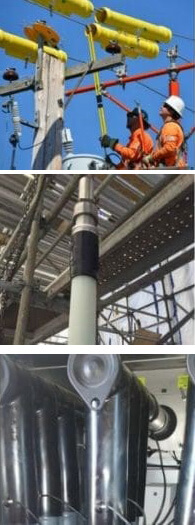
LV-HV Cable Crimping Applications
The Cembre B1350-CE cordless hydraulic crimping tool with new 18V Li-Ion battery has the following crimp ranges:
- LV Lugs & Splices – up to 400sqmm cable conductors
- Insulated Terminals – up to 240sqmm cable conductors
- HV Lugs & Splices – up to 400sqmm cable conductors
- “C” Sleeve Connectors – up to 185sqmm cable conductors
For Cembre electrical connections, see Cable Crimps, Lugs & Connectors. Contact T&D to discuss crimping cables at MV-HV, including 11kV-33kV, to ensure correct Cembre tool, lug/splice and die set selection.
We are also sotckists & distributors of Cable Jointing Tools – a complete range of LV-HV-HV Tools to enable outer sheath removal, insulation removal and screen stripping from power cables operating typically at 11kV, 33kV, 66kV, 132kV and up to 400kV.
Cembre B1350-CE Battery Crimping Tool User Instructions
When introducing or changing dies, the battery must first be removed from the battery crimping tool.
Preparation
- The Cembre tool can be easily carried using either the handle or the shoulder strap attached to ring
- To replace the battery, remove it by pressing the release button, then insert the new battery, sliding it into the guides until it locks
- The display shows the operational parameters of the tool; to customise them proceed as described
- Select the appropriate die set for the connector to suit B1350-CE
- Operate the Cembre tool to advance the ram 15-20mm (0.6-0.8 in) so to easily press release pin then remove the battery
- Keep release pin depressed and insert one die into the upper seat of the tool head until it is locked by retaining pin then insert the battery
- Insert the conductor into the connector
- Position the connector between the dies and ensure the correct location of the crimp
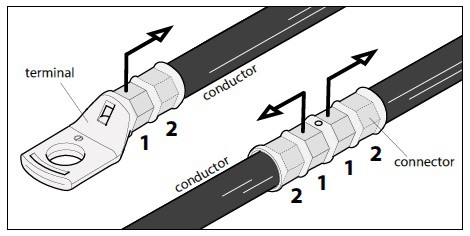
Note: when more compression is required, proceed according to the sequence and direction indicated in the figure.
Ensure that the latch and the upper die holder are fully secured, otherwise damage may occur during tool operation.
Die Advancement
- Grip the B1350-CE tool firmly and comfortably and press operating button to activate the motor pump and advance the lower die. To halt the advancement, release the operating button and the motor will cut out.
- Make sure the Cembre dies are exactly positioned on the desired crimp point otherwise re-open dies and reposition the connector.
Compression
- By keeping the operating button pressed, the motor continues to operate: the ram will gradually move forward until the two dies touch.
- The motor will stop automatically when the set pressure has been reached on the Cembre B1350-CE tool.
- To display the momentary force or pressure during the work cycle, select the appropriate display from the menu. When the operating button is released before the motor stops automatically, the display will show the peak force (Fp) or the peak pressure (Pp) reached at that instant. To complete the work, press the operating button again until the motor stops automatically; the display will show the maximum force or pressure reached followed by “OK” to confirm correct operation.
- The display “ERROR”, combined with a beep and the LEDs flashing indicates an incorrect crimping procedure caused by the work cycle being interrupted before the control parameters (force/pressure) of the tool are reached. This error appears when the pressure release button has been operated and the tool has already reached a pressure > 100 bar. In this case, repeat the compression by pressing and holding the operating button until the motor stops automatically.
Release of Dies
- Press the pressure release button, the ram will retract and open the Cembre dies.
LED Worklights
- Whilst the tool is in operation, the compression area is illuminated by two high luminosity LED Worklights that switch off automatically at the end of the cycle.
Head Rotation
- For ease of operation the tool head can rotate through 180º, allowing the operator to work in the most comfortable position.
- Warning: Do not attempt to rotate the crimp tool head when the hydraulic circuit is pressurised.
Capacitive Touch Button For Menu Selection
- This button is located under the display and allows selection of various screens; it only works when the display is on. Wearing gloves or using other objects may inhibit the operation of the button, therefore use a bare finger to apply only a light touch.
Battery Status
- The battery is equipped with LED indicators that indicate the remaining battery life at any time by pressing the adjacent button.
- 4 LEDs illuminated: Fully charged
- 2 LEDs illuminated: 50% capacity
- 1 LED flashing: Minimum charge, replace the battery.
- With the battery inserted into the tool, the remaining battery life can also be checked on the display, via touch button selection.
When the battery voltage has dropped below a minimum safety threshold, the tool will not start, and it is necessary to recharge or replace the battery. The approximate time to fully recharge a battery is about 80 minutes.
After each working cycle, and after the extraction of the battery from the tool, an integrated battery cut-off device will operate after 70s approx. Then the LED nearest to button will flash 5 times each 14s approx. The battery will be reactivated when it is reintroduced into the tool and the operating button is pressed.
Using The Battery Charger
- Carefully follow the instructions in the battery charger user manual.
Die Set Options
A complete range of die sets are available for crimping all types of cable lugs and connectors for use with the Cembre B1350-CE tool.
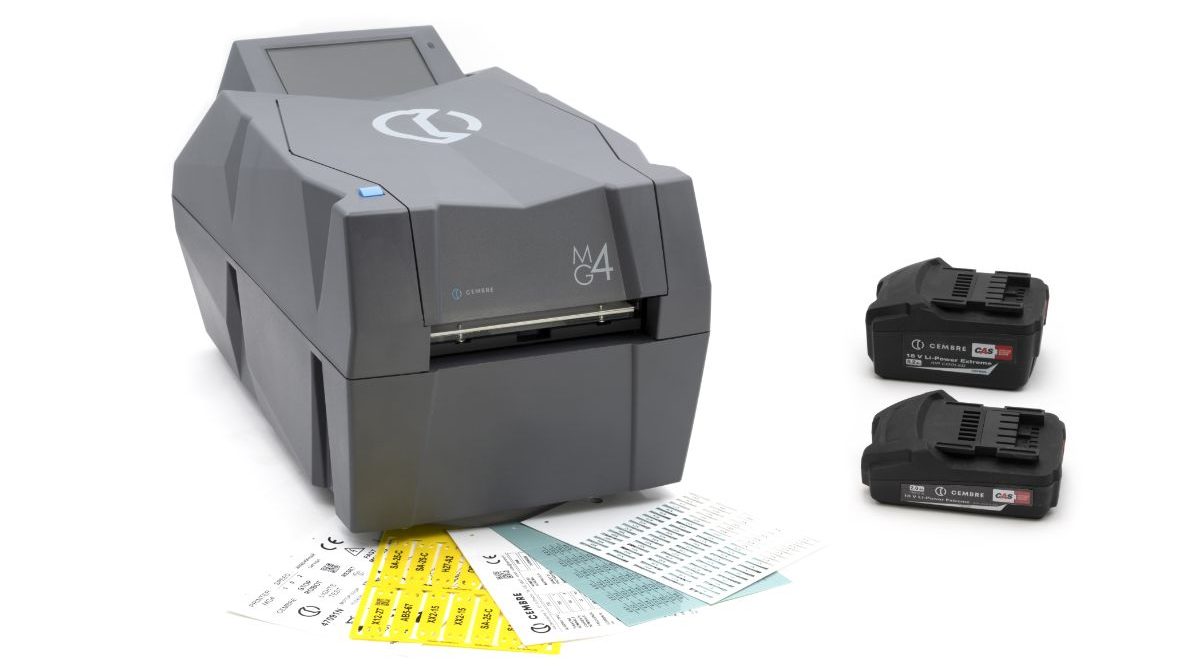
Cembre MG4 Thermal Printer represents the next generation in thermal transfer printing technology, designed to enhance the efficiency and quality of cable cutting, crimping and labelling tools.
 Cembre B1350-CE Battery Crimping Tool (up to 400sqmm cables)Download